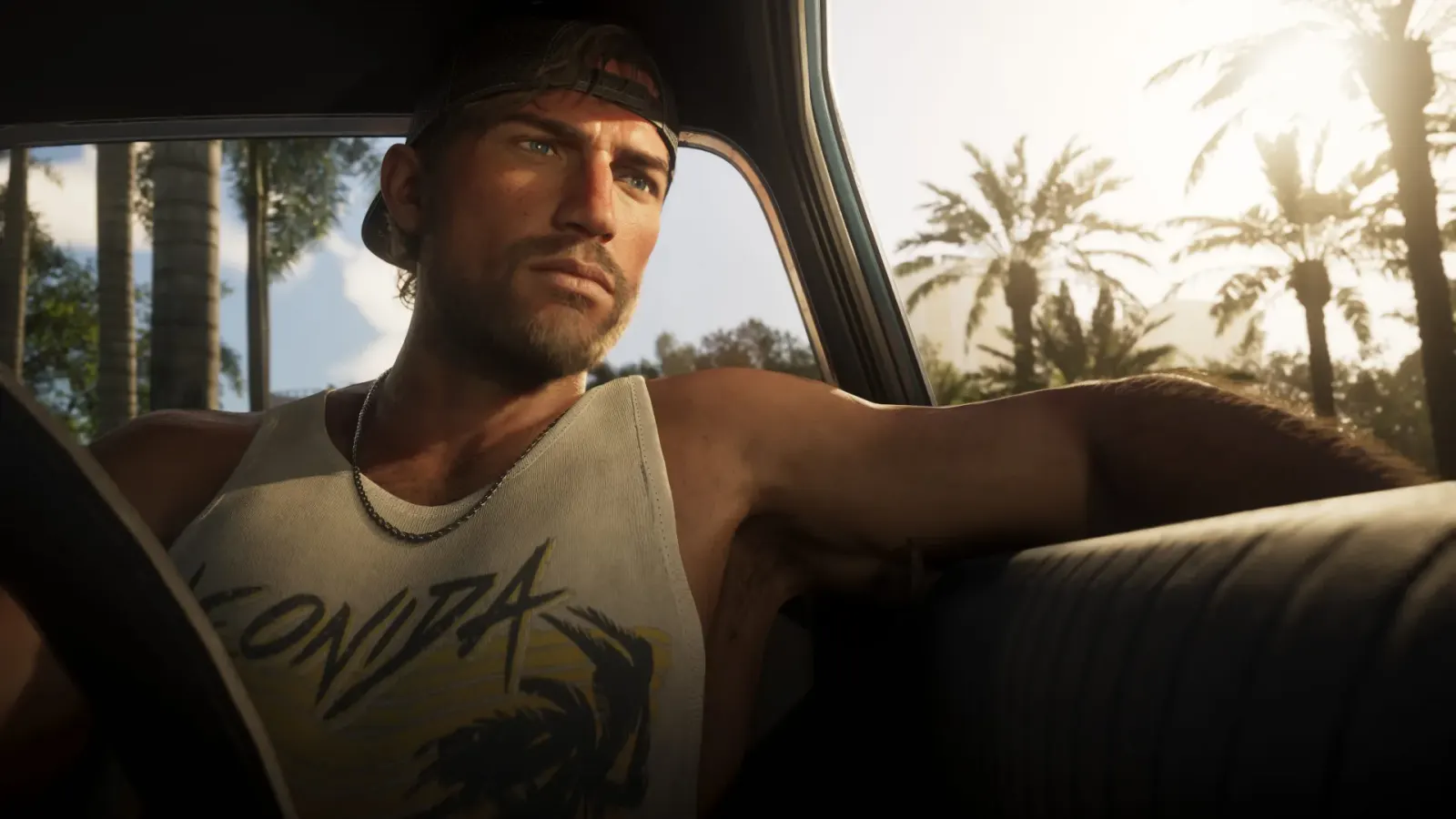
How to get first person in GTA VI while driving (trick)
GTA VI has no free first-person mode, but a touchpad trick keeps it locked in while you drive. Plus the settings players change to aim and drive better.
Short answer Unconfirmed
GTA VI has no free first-person mode: you only see it when aiming while standing still or with your phone in hand inside a car. The players’ trick: in Settings > Controller, set the touchpad button to “Camera”; then, while driving, take out your phone, put it away quickly and press the touchpad. After a few tries the camera stays in first person. It is a glitch, so it may disappear with a patch.
GTA VI has no free first-person mode: as we explain in the settings guide, the first-person view only appears when aiming while standing still (L2 + R3) and inside a car when you have your phone in hand. But players have found a trick to keep it locked in while you drive.
It is marked “unconfirmed”: it is a glitch in the game, not an option, and Rockstar may remove it with a patch.
The first-person trick, step by step
- Go to Settings > Controller and, among the DualSense controller functions, look for “Touchpad button”.
- Change it from “Map” to “Camera”. (The touchpad will no longer open the map; you open it from the pause menu.)
- Get in a car and start driving.
- Take out your phone, press back quickly to put it away and, right after, press the touchpad.
- Repeat it several times: suddenly the camera stays in first person.
If you get out of the car or change the camera, do it again. On Xbox, the equivalent would be the camera button (View), but the trick has only been seen on PS5.
Three settings players change
One player recommends these three changes to aim and drive better (he uses the Spanish-language Settings menu, so the option names below are translated):
- Aiming (Gameplay > Combat): “Free aim” with aim assist and the lock-on time turned up (he sets it to 4).
- Driving (Controller): raise the dead zone of both sticks (from 4 to 6) so the car doesn’t swerve at the slightest touch.
- Blur (Display): lower the motion blur intensity (he leaves it at 2) to see better at full speed.
Every setting in the game, explained one by one, is in the settings guide.
Which buildings you can visit: look at the blue on the map
Before you try a hundred doors, look at the map. According to one player:
- Dark blue: the building has an entrance or an interior you can visit.
- Light blue: it is closed for now.
- As you get closer, the minimap shows you where the store is, and inside a store or house the map shows the floor plan, with the rooms and corners you haven’t set foot in yet.
Very useful for robberies: in banks and jewelry stores the floor plan shows you the back door.
More tips for getting started are in the beginner tips guide.
Sources for this guide
We always link where each fact comes from.
- wandoy_ (TikTok) · Trick to play in first person tiktok.com · Nov 22, 2026
- wisma_gta6 (TikTok) · 3 settings to play like a pro tiktok.com · Nov 22, 2026
- bloobygta (TikTok) · The blue buildings on the map tiktok.com · Nov 22, 2026