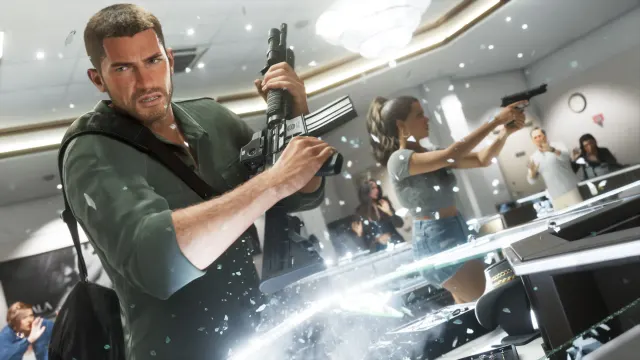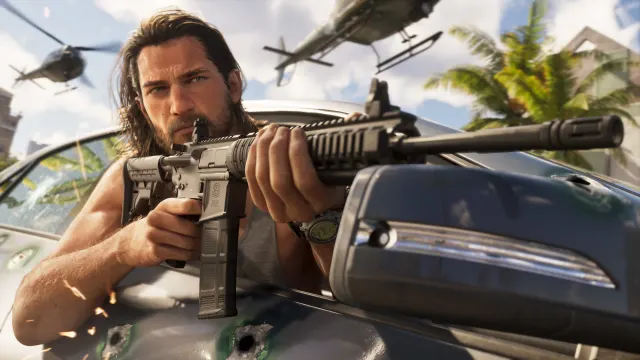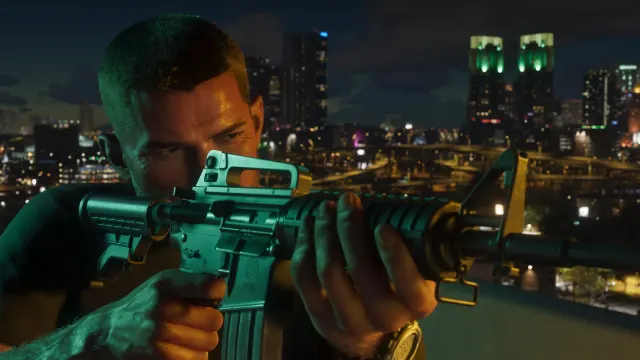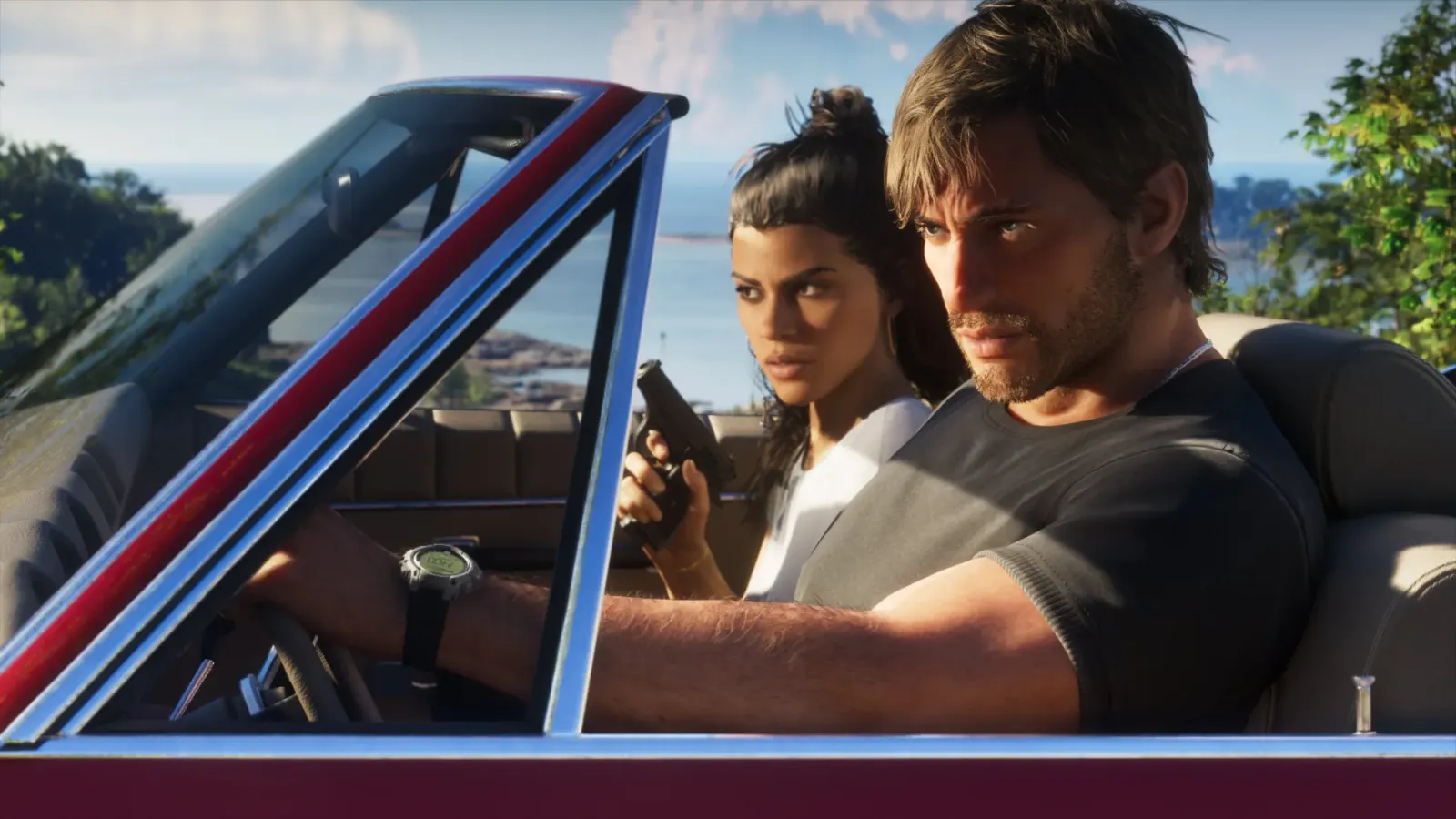
GTA VI Controls the Game Doesn't Explain, per IGN
Flip a rolled car upright, leave the engine running, or drive hands-free with the cinematic camera: IGN lists shortcuts Rockstar doesn't teach in GTA VI.
Reported by outlets or players, but nobody has verified it yet.
IGN published a roundup of 23 GTA VI controls on November 23, 2026 that the game either doesn’t explain or only teaches later on. They include flipping an overturned car upright and leaving the engine running when you get out. According to the outlet, these are buttons Rockstar doesn’t explain in the game.
According to IGN, some controls are covered from the start, such as sprint being mapped to L3 by default, which shows up in a menu before you begin. Others are discovered later in the story or never explained at all.
Here’s a rundown of the most practical ones. The buttons are the ones IGN lists, with PlayStation first and Xbox second.
Behind the wheel
- Keep the engine running: double-tap triangle/Y when exiting the car. Handy for getting away after a robbery. On a boat, the same move keeps it going in a straight line while you walk around the deck.
- Overturned car: press L3/LS, then hold square/X to put it back on its wheels.
- Auto-drive: according to IGN, you enter the cinematic view by holding down on the D-pad and pressing options/menu; once inside, hold circle/B and the character drives to the destination on their own.
- Hide: hold circle/B in the driver’s seat to duck down and stay out of sight, for example from the police.
- Turn signals and radio: left or right on the D-pad to signal; double-tap left to turn the radio on or off.
- Stranded jet ski: stand behind it and hold R1/RB to push it into the water.
On foot and in combat
- Slide over a hood: run toward a car and press cross/A.
- Roll: while aiming, tilt the left stick and press cross/A.
- Rest: R3/RS to lean on a wall or railing; hold circle/B to sit down.
- Inspect mode: hold the left trigger and press the right stick to look in first person without being able to move. IGN says it helps you find clues, such as safe combinations. We go into more detail in our first-person guide.
- Switch shoulders: while aiming, press left on the D-pad.
What this means for you
These aren’t cheat codes: they’re functions of the normal controls that the game doesn’t always point out. If a button doesn’t respond the same way for you, check your settings. You’ll find more help in our tips for getting started and in our cheats section.
Guide on this topic: Cheats
Also available in Español Deutsch Français Português (Brasil)
Sources
We always link where each fact comes from.
- IGN · 23 GTA VI controls the game doesn't explain ign.com · Nov 23, 2026